
Scout and measure
Use located notes with pictures for scouting and to track observations and issues around the farm.
By having notes and pictures stored in one place rather than in notebooks, camera rolls or emails you ensure they don't get lost.
"By making everything digital I can easily see how decisions turned out."
Adam Foden, Assistant Vineyard Manager, UK

Located notes in your phone
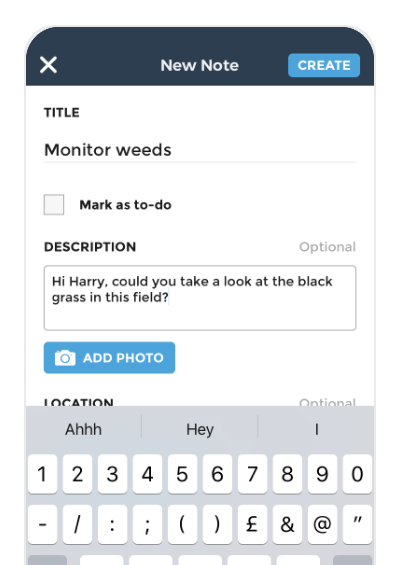
Quickly record issues spotted when field walking, use your phone location to drop a pin or draw a shape, walk around a problem area to note exactly where it was, include photos, good for recording weeds, pests, waterlogging, compaction, livestock movements or memos for yourself.
Use comments to discuss
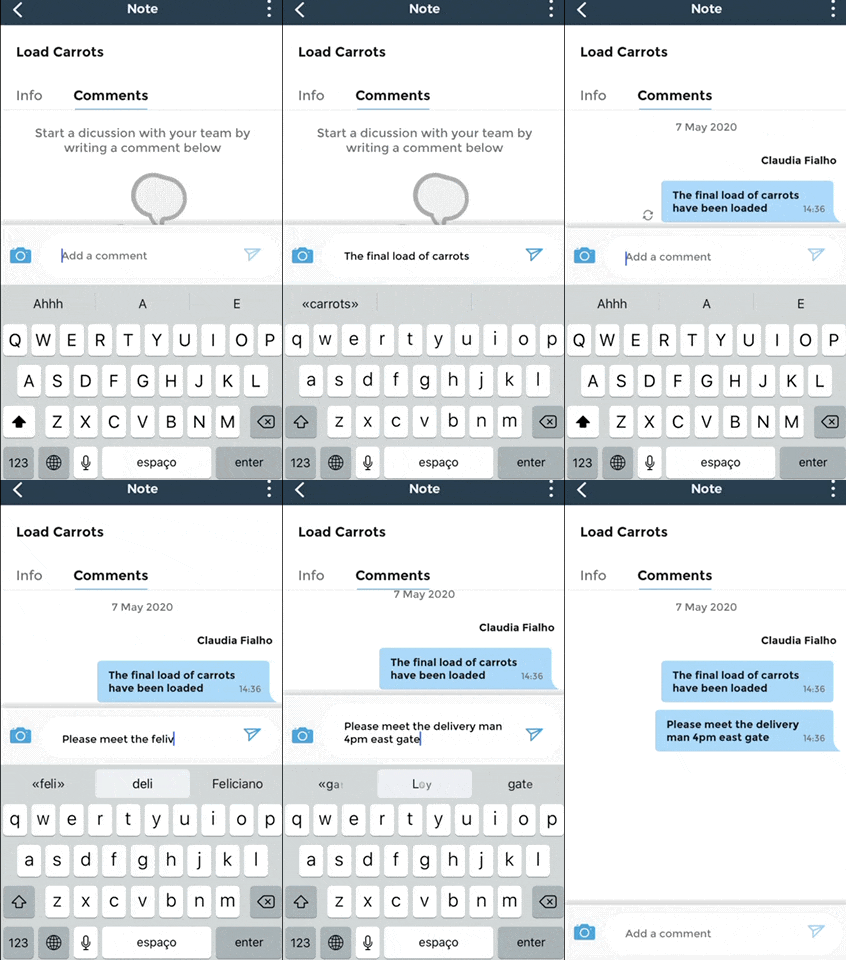
Struggling with a weed ID? Tag your team to get their opinion, share with team mates, advisers or agronomists.
Record measurements
Set up monitoring sites to track data recorded for your farm, use for rainfall measurement, tracking pest counts, plant counts, soil testing data or plate meter measurements, find more ideas for using monitoring sites here.

Use satellite imagery to scout more efficiently

Use Field Health to spot problems such as disease or nutrient deficiencies earlier.
Go straight to the issue when you're in the field.
Understand the extent of identified issues.
Our farmers use fieldmargin with